SmartHomePicks buying guide
Smart Plug Buying Guide: Wi-Fi, Matter & Energy Monitoring
A plain-English checklist for choosing a smart plug that fits your devices and home network.
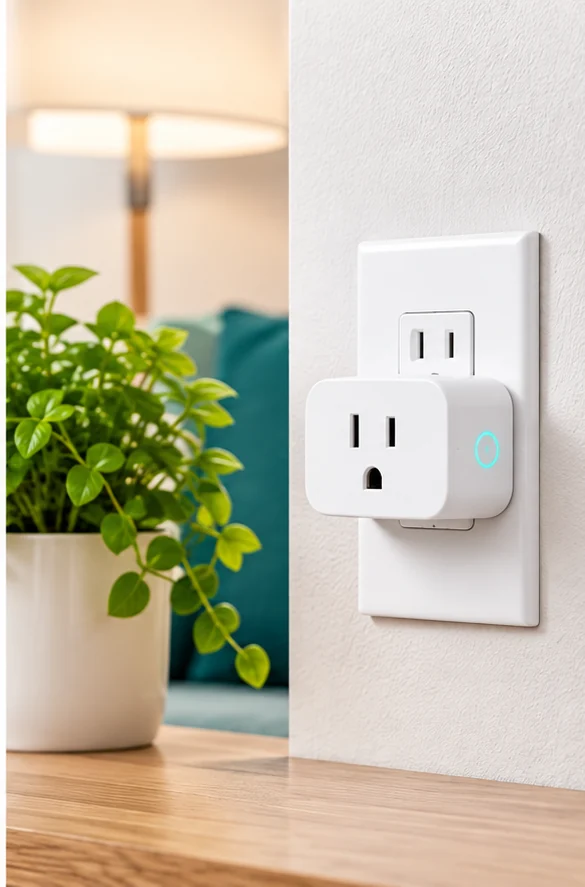
Our approach: We explain what to compare and what to verify on the product listing. We do not claim hands-on testing unless a guide explicitly says so.
Check the device before the app
Start with the appliance you plan to control. Check the smart plug’s rated voltage, current and wattage, and do not use it with a high-draw appliance unless the manufacturer explicitly says it is suitable. A smart plug is not a substitute for a properly rated outlet or an electrician’s advice.
Wi-Fi, hub or Matter?
Some plugs connect directly to a 2.4 GHz Wi-Fi network, while others use a hub or support Matter for broader smart-home compatibility. Confirm the exact model—not just the product family—works with your phone, voice assistant and home platform.
Do you need energy monitoring?
Energy monitoring can help you understand how much electricity a connected device uses, but the app’s reporting, history and export features vary. If you only want schedules or remote on/off control, a simpler model may be enough.
Check before checkout
- Maximum load and appliance compatibility
- Wi-Fi band or hub requirements
- Matter and voice-assistant support for the exact model
- Whether energy history needs an app account or subscription
- Plug size and whether it blocks a neighboring outlet
Bottom line: Choose for compatibility and electrical suitability first; treat extra app features as a bonus.